
CASE STUDY / MEDIA & STREAMING
M6+. From “what should I watch?” to a programme.
A request in everyday language. Catalogue titles inside the conversation. Then a detailed programme view, without losing the thread.
 An agentic experience for discovering a video catalogue.
One request. Three relevant results.
The app understands the genre, film format and actor in this request. It presents three M6+ programmes as visual cards, while ChatGPT helps the viewer decide where to start.
I want to watch an action film with Liam Neeson tonight. What is available on M6+?
Catalogue results in the conversation
The first film in the trilogy.
Open on M6+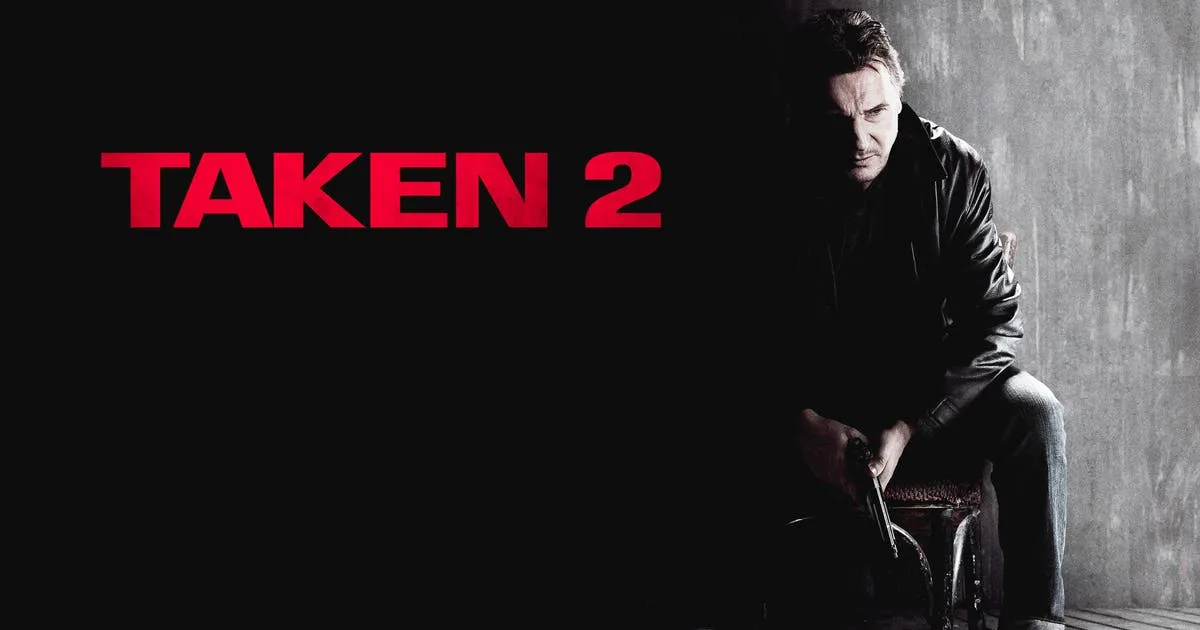
Bryan Mills reunites with his family in Istanbul.
Open on M6+
Another chapter for Bryan Mills.
Open on M6+✳M6+ offers Taken, Taken 2 and Taken 3 with Liam Neeson. I recommend starting with Taken: it is the first film, so you can watch it without knowing the sequels.
A series becomes a catalogue to explore.
With “Show me the series Luther”, its thumbnail opens a view inside ChatGPT with a synopsis, seasons and episode carousels. Full screen displays more episodes at once without losing the conversation.
“Show me the series Luther on M6+.”
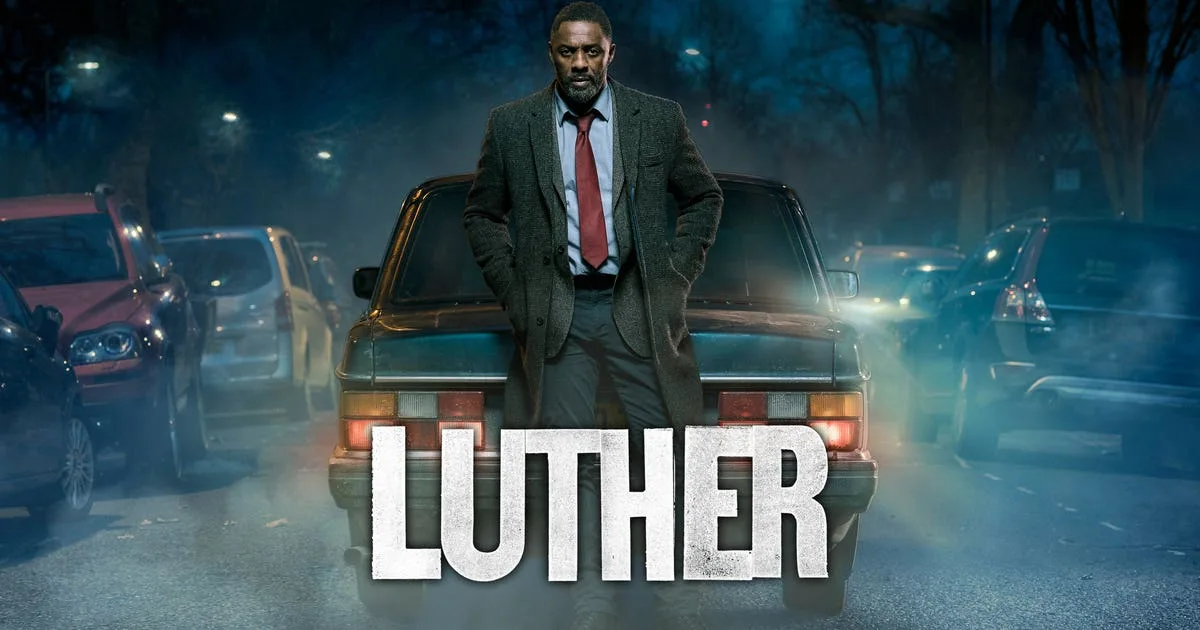
Luther
In London, detective John Luther hunts dangerous criminals while confronting his own demons.
Season 5
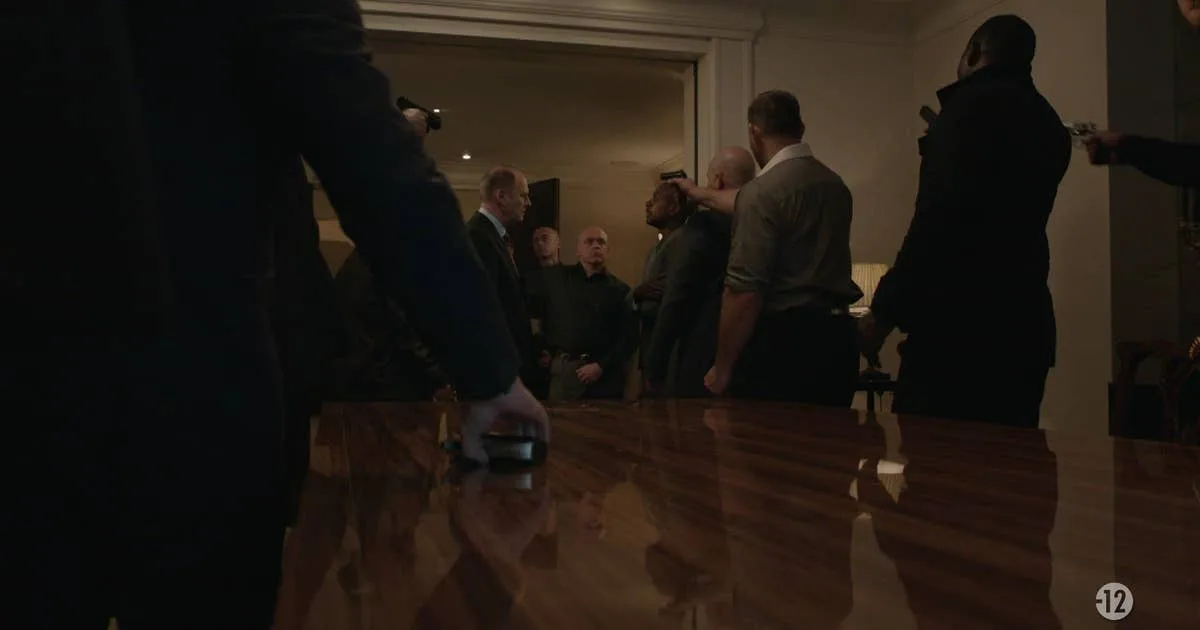 S5 E1: Terreur à LondresOpen on M6+
 S5 E4: Dernière pièceOpen on M6+
 S5 E2: L’ombre du passéOpen on M6+
The conversation leads to the programme.
From a card, “Open on M6+” leads to the film page, with its synopsis, genre and video access. Discovery happens in the conversation; viewing continues on the platform.
Ask
Express an intent in natural language.
Explore
See visual results and a contextual suggestion.
Choose
Reach the full programme page and content.
Journey tested in French on 27 September 2026; the English wording is translated. The interfaces above reconstruct the observed steps using M6+ programme artwork. Titles and availability may change. Artwork: M6+ and rights holders.